

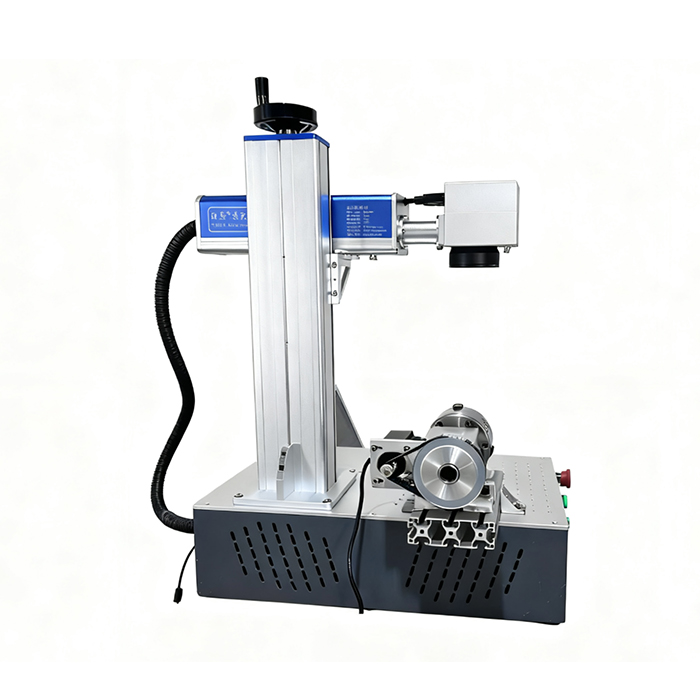
There is a wide variety of laser marking machine. Classified by the type of laser, the common ones are fiber laser marking machines, ultraviolet laser marking machines, and carbon dioxide laser marking machines, each with a different service life. For instance, a fiber laser marking machine can operate continuously for up to 100,000 hours, which translates to an approximate service life of 5–10 years. However, different configurations of laser marking machines can also affect their service life.
As we all know, for electronic equipment, the inherent configuration has a bearing on the product’s service life, and human factors from operators also exert a significant impact. With the operation of laser equipment, internal components will suffer varying degrees of wear and tear. Severe damage may even lead to the scrapping of the entire laser device. Therefore, daily maintenance of laser marking machines is extremely crucial. But how should we carry out maintenance?
1.Replace Circulating Water and Clean the Water Tank: Clean the tank and replace the water inside once a week. Stagnant circulating water is detrimental to the machine. The water quality and temperature of the circulating water directly affect the service life of the laser tube. It is recommended to use purified water or distilled water and keep the water temperature below 35℃.
2.Clean the Galvanometer Lenses: If there is dust on the lenses, wipe them in a single direction with a cloth dampened with a small amount of alcohol.
3.Laser in the Chassis: Regularly remove dust by blowing along the air duct with an air gun, and clean the relevant circuit boards at the same time. An air gun is a useful tool that can also be used to clean the laser chiller.
4.Before Use: Check if there are any changes to the software settings and whether all function buttons and indicator lights are working properly.
5.After Use: Wipe the surfaces of the workbench, display screen and keyboard with a clean piece of cloth, and remove debris in a timely manner—especially metal residues or powder left after marking. Keep the surrounding area clean and well-ventilated. Note: When shutting down the machine, turn off the laser power supply first before closing the marking software; otherwise, the service life of the laser will be compromised.
It is advisable to conduct sample marking tests before selecting a laser marking machine and choose the one that delivers the best results. After all, high-quality marking is one of our top priorities.